


The best cold wallets stand out for their strong security features, user-friendly interfaces, and long-term reliability in protecting digital assets. Although cold wallets share a central purpose of storing crypto offline, they are not built the same way.
Therefore, in this article, we’ll explore ten different cold wallets, their prices, and their pros and cons. We will also highlight the differences between cold and hot wallets and provide a step-by-step guide to safely set up and use a cold wallet.
Best Cold Storage Wallets for Crypto: A Snapshot
| Cold Wallet | Key Features | Best For | Security Method |
| Ledger Nano X | Bluetooth-enabled hardware wallet | High-security storage | CC EAL5+ certified Secure Element chip |
| Ledger Stax | Touch-screen, premium design | Active crypto and NFT users | Tamper-proof Secure Element chip (CC EAL6+ rated) |
| Trezor Safe 3 | Beginner-friendly, open-source | New users and multi-coin storage | EAL6+ certified Secure Element, SLIP39 backup |
| Trezor Safe 5 | Advanced multi-chain support | Experienced users managing multiple assets | EAL6+ certified Secure Element, |
| Coldcard MK4 | Bitcoin only, fully air-gapped | Maximum Bitcoin security and offline storage | Air-gapped, PSBT support |
| Tangem | Card-style, minimal hardware | Users who want cold storage without carrying extra devices | EAL6+ certified chips, physical card authentication |
| Trust Wallet | Mobile wallet with fiat on-ramp | Fast mobile access without hardware | Software-based keys |
| MetaMask | Web3 hot wallet for dApps | Quick dApp access and token trading | local encryption, self-custody, and user-controlled authorization. |
| Best Wallet | Mobile crypto wallet with staking and dApp access | Fast mobile access and presales participation | MPC, biometrics, 2FA |
| Zengo | Keyless mobile wallet with multi-chain support | Mobile users wanting simple crypto access | MPC, cloud-assisted key recovery |
10 Best Cold Wallets for Crypto in 2026
1. Ledger Nano X
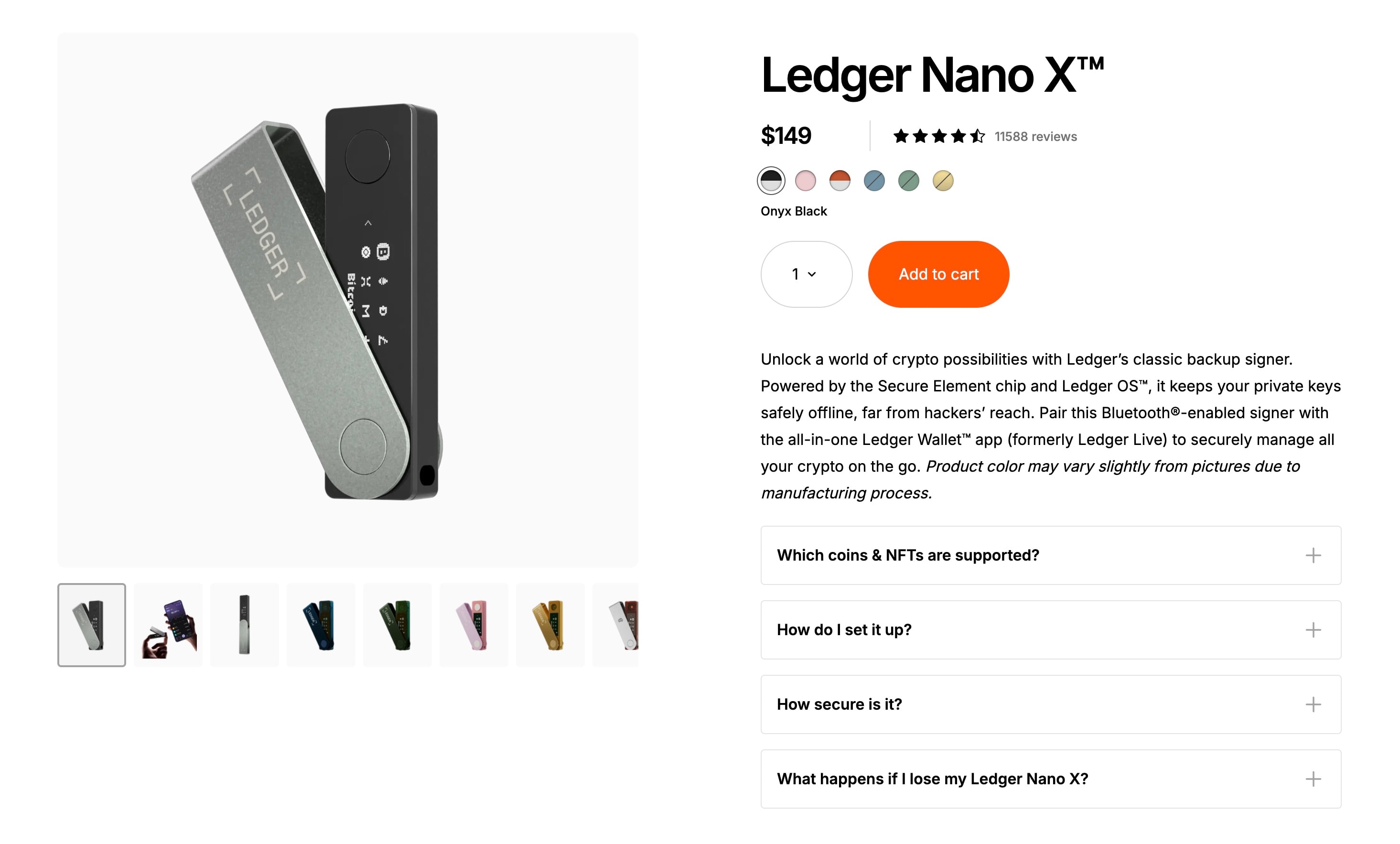
Ledger Nano X is a top-tier hardware wallet that allows users to securely store their crypto assets offline, keeping private keys away from internet threats. It supports a wide range of cryptocurrencies, including Bitcoin (BTC), Ethereum (ETH), and thousands of tokens, making it ideal for diversified portfolios. The device features a secure element chip and Bluetooth connectivity for mobile management, balancing enhanced security with usability.
Price
- The Ledger Nano X is priced at $149 USD, including free shipping to most countries.
Pros and Cons
| Pros | Cons |
| Strong security features | Higher price than basic cold wallets |
| Keeps keys offline | Bluetooth adds minor attack surface |
| Good for long term storage | |
| Supports many coins and tokens |
2. Ledger Stax
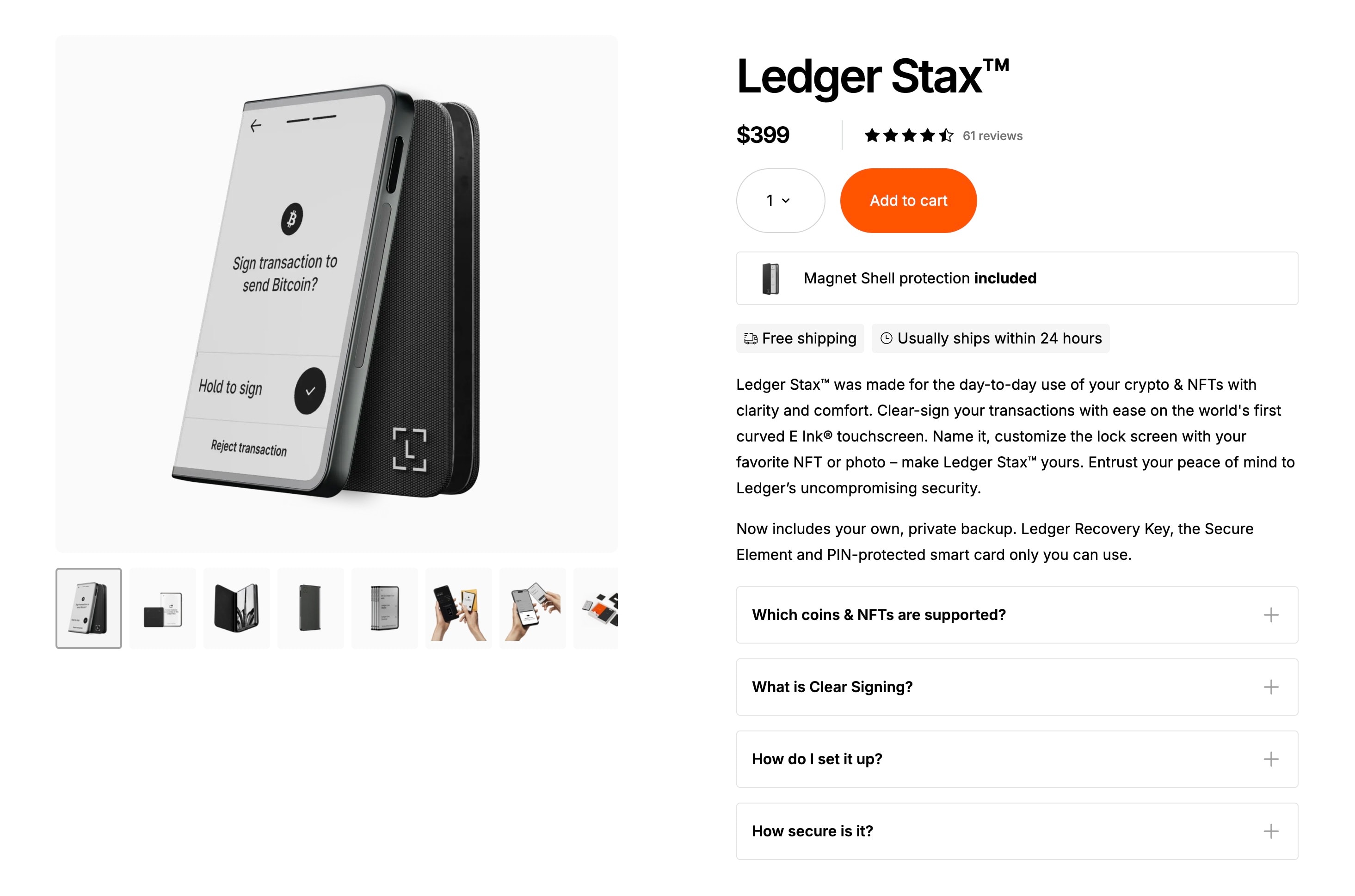
Ledger Stax is a sleek hardware wallet with a modern touchscreen interface. It supports a wide range of coins and tokens, making it suitable for managing multiple digital assets. The wallet uses a certified secure element for strong security features and long-term storage. Bluetooth connectivity allows easy mobile access, but it is best used for long-term storage rather than frequent trading.
Price
- Ledger Stax was $279 and is now $399 USD.
Pros and Cons
| Pros | Cons |
| Large touch-screen display | High price compared to other hardware wallets |
| Strong security features with a secure element chip | Bluetooth adds a minor attack surface |
| Supports many coins and tokens | |
| Sleek, modern design |
3. Trezor Safe 3
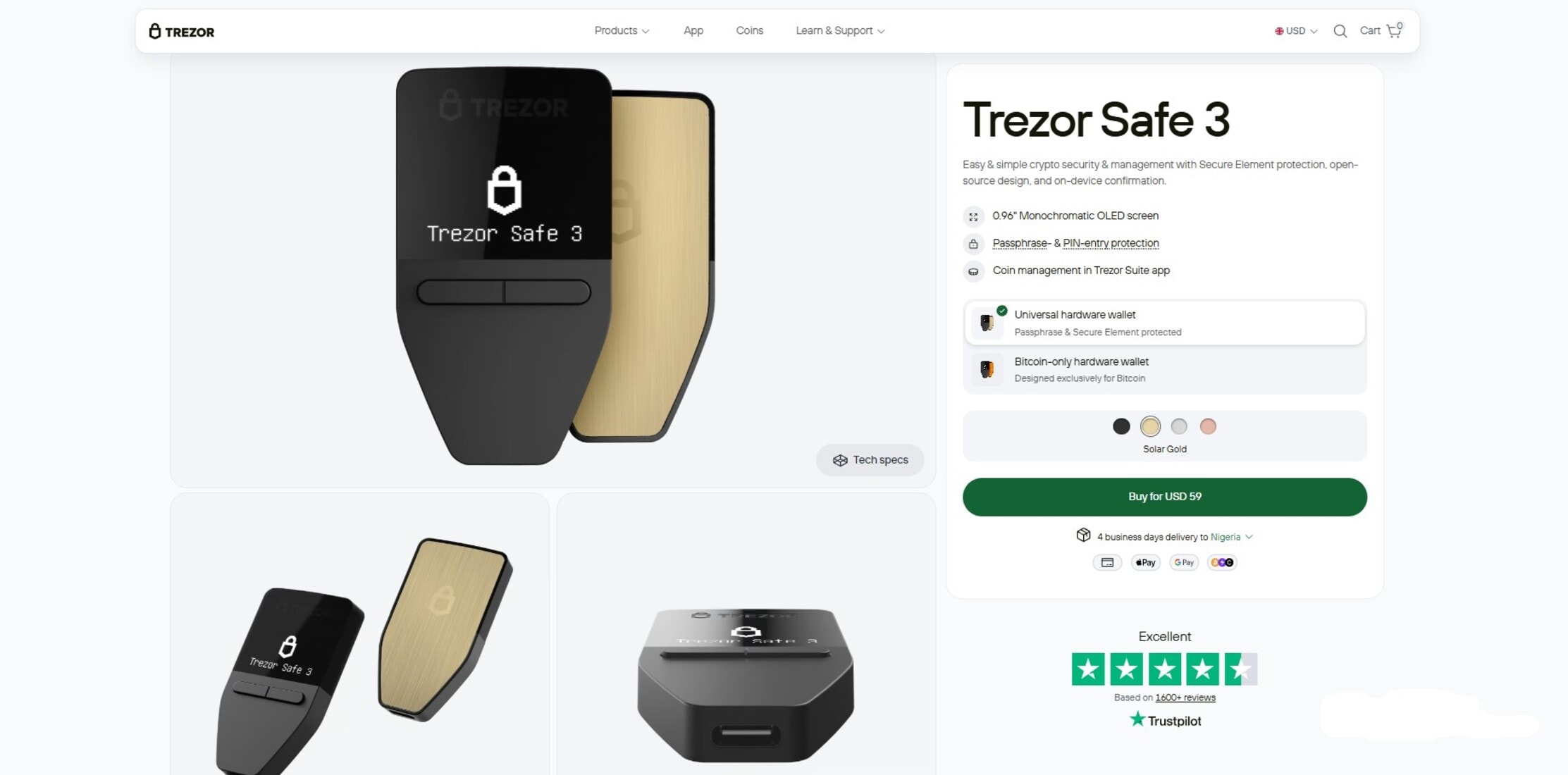
Trezor Safe 3 supports over 7,000 coins and tokens and includes a Secure Element for added protection against physical access. The device is compatible with 12, 18, and 24-word recovery phrases and SLIP39 backups for secure long-term storage. With its open-source firmware and beginner-friendly setup, the Trezor Safe 3 offers strong security features without compromising ease of use.
Price
- The Trezor Safe 3 costs $59 for the Bitcoin-only version and $79 for the universal multi-coin version on the official site.
Pros and Cons
| Pros | Cons |
| Affordable price for a hardware wallet | No Bluetooth support |
| Keeps private keys crypto offline | Small screen |
| Secure element adds extra protection | Requires USB connection |
| Supports many coins and tokens |
4. Trezor Safe 5
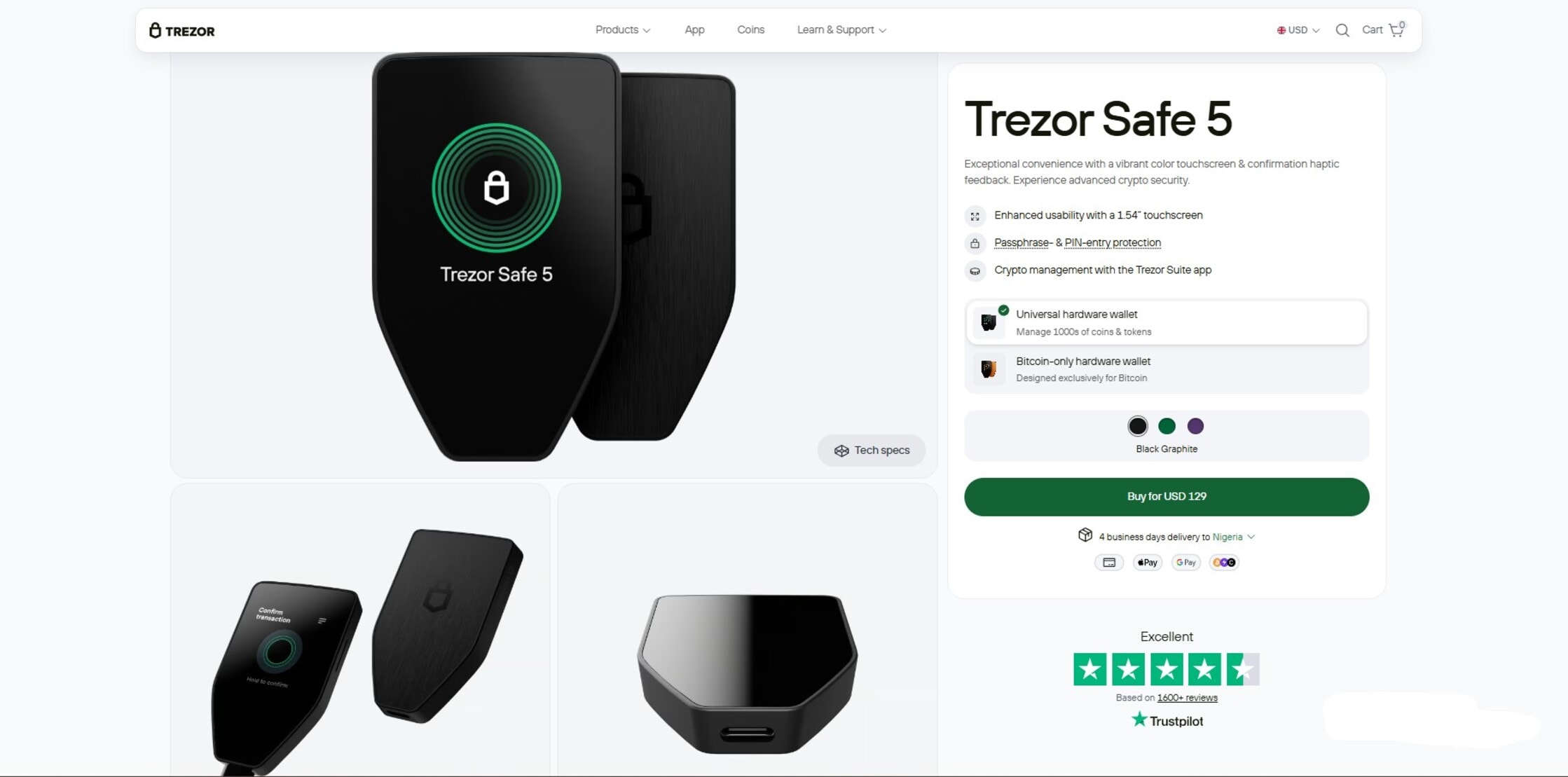
Trezor Safe 5 is built for users who want stronger physical security without giving up a simple, readable interface. The secure element improves resistance to device tampering, but it also means part of the security model is no longer fully open source. The trade-off is the higher price and the added complexity of advanced backup options and passphrase setups that beginners may not fully use.
Price
- Trezor Safe 5 is priced at $129, which puts it in the mid-range for premium hardware wallets, offering stronger security features than entry-level models without reaching flagship pricing.
Pros and Cons
| Pros | Cons |
| Vibrant touchscreen with haptic feedback for easy navigation | Mid-range price may be high for casual users |
| NDA-free EAL 6+ Secure Element with PIN & passphrase protection | Slightly bulkier than minimalist wallets |
| Supports 20-word backup for advanced recovery options | Not as widely supported by mobile apps as Ledger |
| Integrates with Trezor ecosystem and third-party services | USB-C connection only, no wireless option |
5. Coldcard MK4
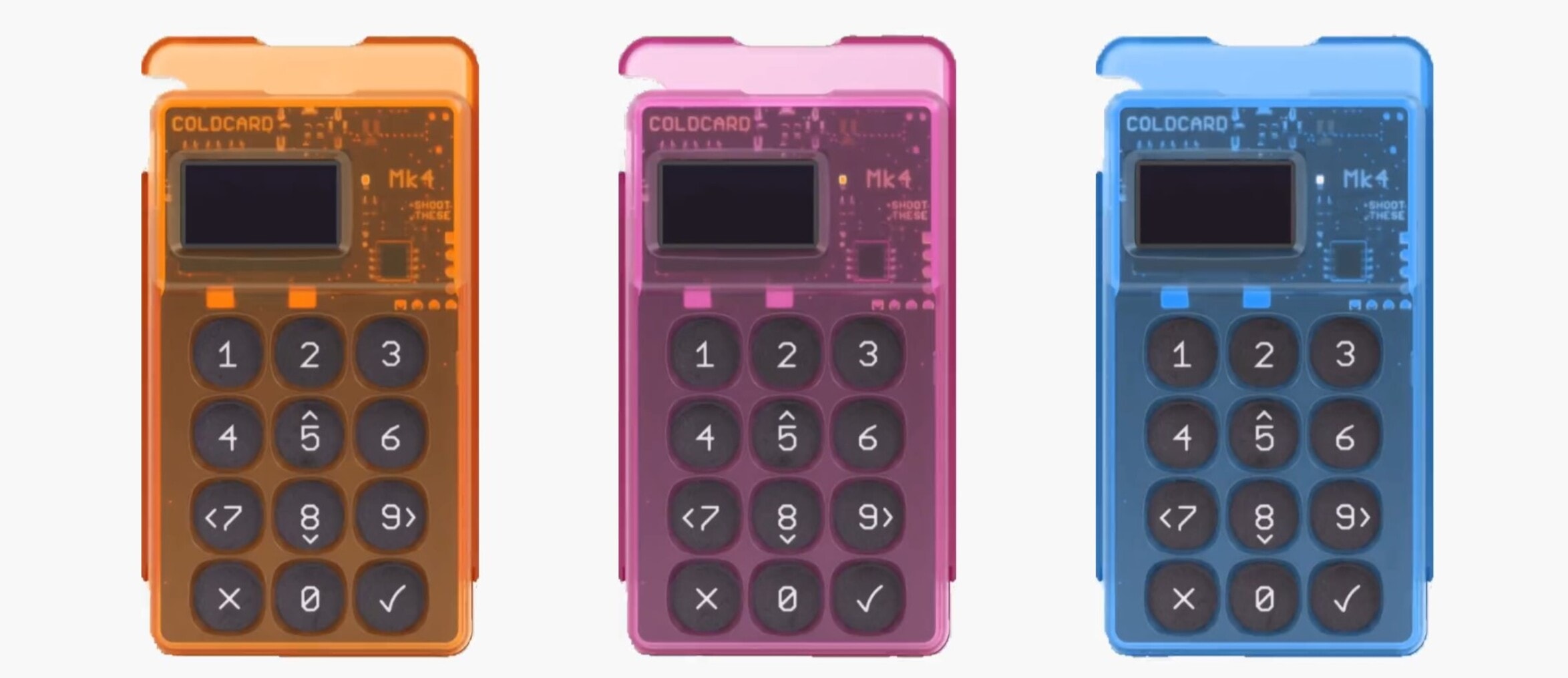
Coldcard MK4 is a Bitcoin-only hardware wallet that provides maximum security and offline storage. It uses a secure element and a fully air-gapped design, allowing transactions to be signed without ever connecting to the internet, reducing exposure to online attacks.
The wallet supports standard 12- to 24-word seed phrases and offers advanced features like PSBT (Partially Signed Bitcoin Transactions) compatibility for professional setups.
Price
- The Coinkite Coldcard MK4 is priced at around $129.94 USD for the standard model, though retail prices can range from about $157 to $177 depending on seller and availability.
Pros and Cons
| Pros | Cons |
| Fully air-gapped for enhanced offline security | Bitcoin-only, no support for other cryptocurrencies |
| Secure element with advanced anti-tamper features | Higher learning curve for beginners |
| Supports PSBT for professional users | No touchscreen, relies on buttons and display |
| Durable and robust design for long-term storage | Higher cost compared to entry-level wallets |
6. Tangem
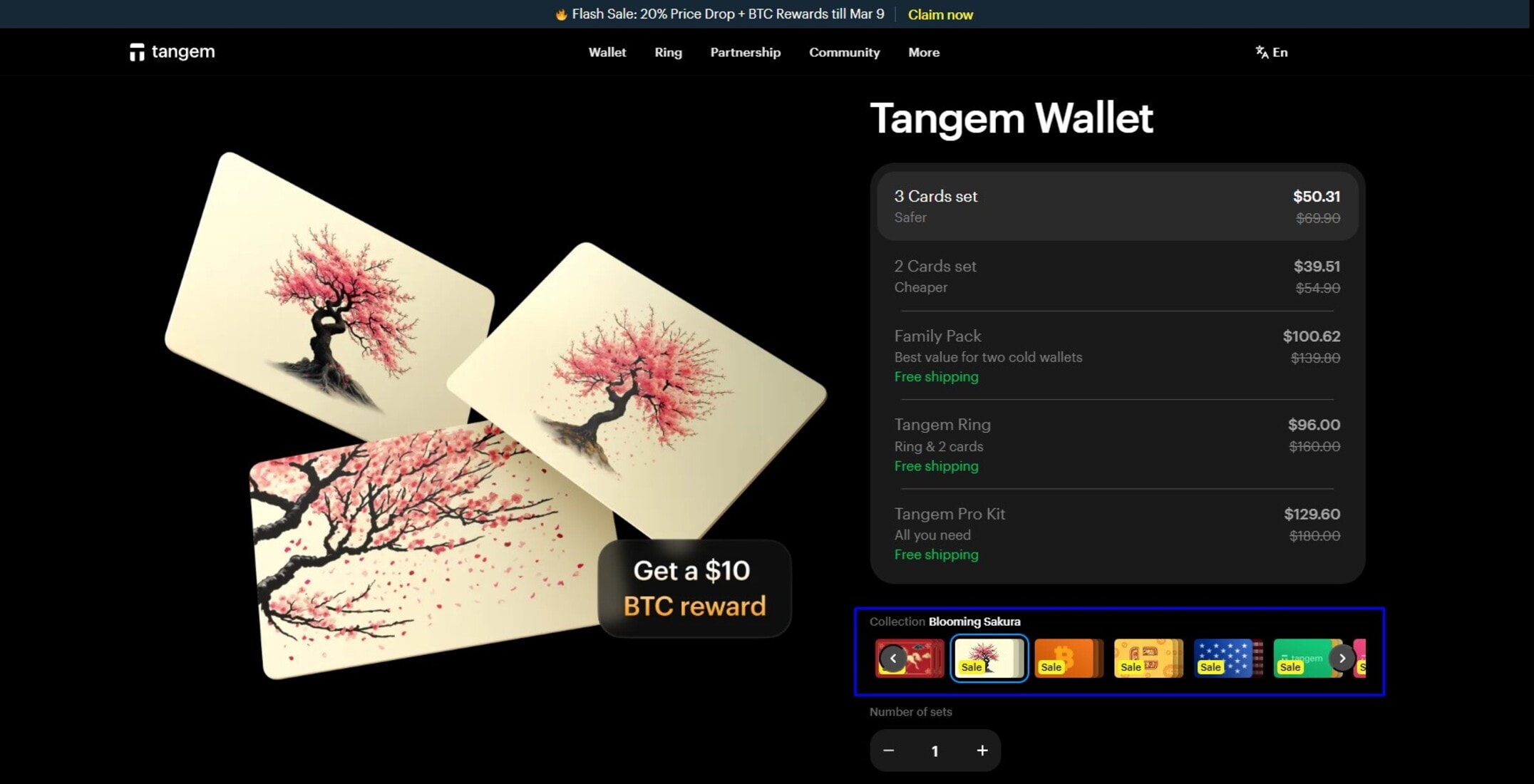
Tangem is a card-style hardware wallet that provides cold storage without carrying another device, keeping private keys locked inside a certified secure element that never touches the internet. During setup, the chip generates keys offline, reducing exposure to online attacks and lowering the risk that malware on your phone will interfere with your crypto assets.
The tradeoff is control and visibility since there is no screen on the card itself, so you rely on the mobile app to confirm wallet addresses and transactions. It works well for everyday carry and holding smaller balances over the long term, but if you move size or want full-on device verification, this setup can feel like a compromise.
Price
- From $54.90 for the two-card sets. The three-card set usually lands around $69.90.
Pros and Cons
| Pros | Cons |
| Keys are generated and stored offline for real cold storage | No screen on the card for direct transaction verification |
| EAL6+ secure element with independent audits for added security | You rely on your phone as part of the security model |
| Slim, durable, no battery, no cables, easy to carry daily | Less transparent than wallets with fully open hardware |
| Multi-card backup reduces the chance you lose access | Not ideal for large balances where max isolation matters |
7. Trust Wallet
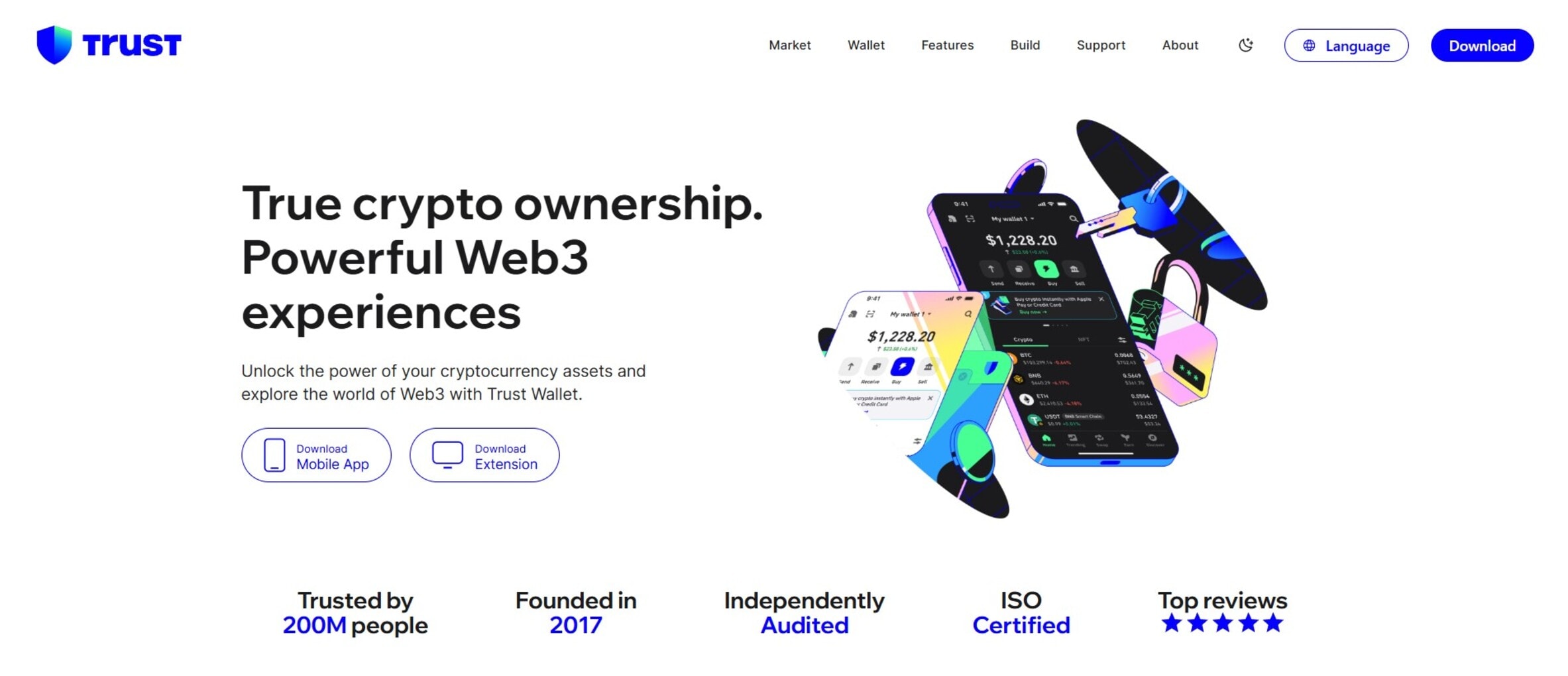
Trust Wallet makes it easy to move fast in crypto without dealing with hardware devices. You can buy crypto directly in the app using payment providers like MoonPay, Ramp, Simplex, and Mercuryo, with support for cards, bank transfers, and mobile payments, making onboarding easier when coming in from fiat.
Wallet rates and fees vary by provider and region, and they are often higher than those on centralized exchanges, so this is more about convenience than getting the absolute best price.
Price
- Trust Wallet is free for all users. All you need to do is download the app or use the Chrome Browser Extension to manage your account.
Pros and Cons
| Pros | Cons |
| Easy fiat to crypto buying inside the app | Fees can be higher than those of exchanges |
| Supports a large number of chains and tokens | Not a hardware wallet, and it stays online |
| Works well for DeFi, swaps, and NFTs | Security depends on your phone or browser hygiene |
| Simple interface for beginners and intermediates | Not ideal for long term storage of large balances |
| No hardware needed | Third-party providers control pricing and limits |
8. MetaMask
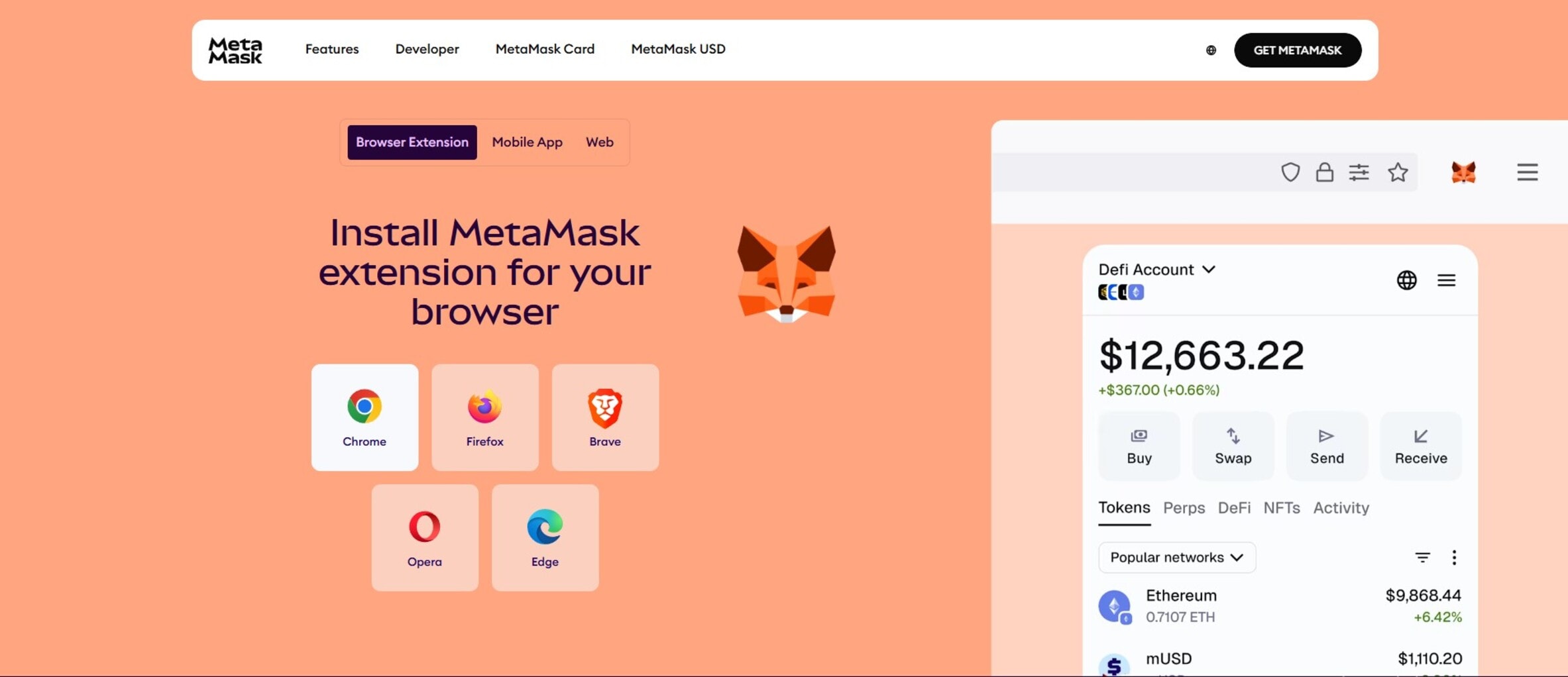
MetaMask is the default hot wallet in DeFi and Web3, with fast access to decentralized applications (dApps) across multiple chains. The browser extension and mobile app make it easy to connect to protocols, trade tokens, mint NFTs, and move funds without touching an exchange.
However, that convenience comes with exposure because the wallet is hosted on an internet-connected device. If you are active on-chain, MetaMask is a solid daily driver for small- to medium-sized balances, but serious long-term holdings belong in a hardware wallet.
Price
- MetaMask is a free browser extension and mobile app, available to download or install at no cost.
Pros and Cons
| Pros | Cons |
| Best in class dApp compatibility | Hot wallet exposed to browser and device risks |
| Supports many major chains | In-app swaps and buys often cost more |
| Easy onboarding for DeFi and NFTs | Phishing and fake sites remain common |
| Strong ecosystem and tooling | Requires solid personal security habits |
| Mobile and browser support |
9. Best Wallet
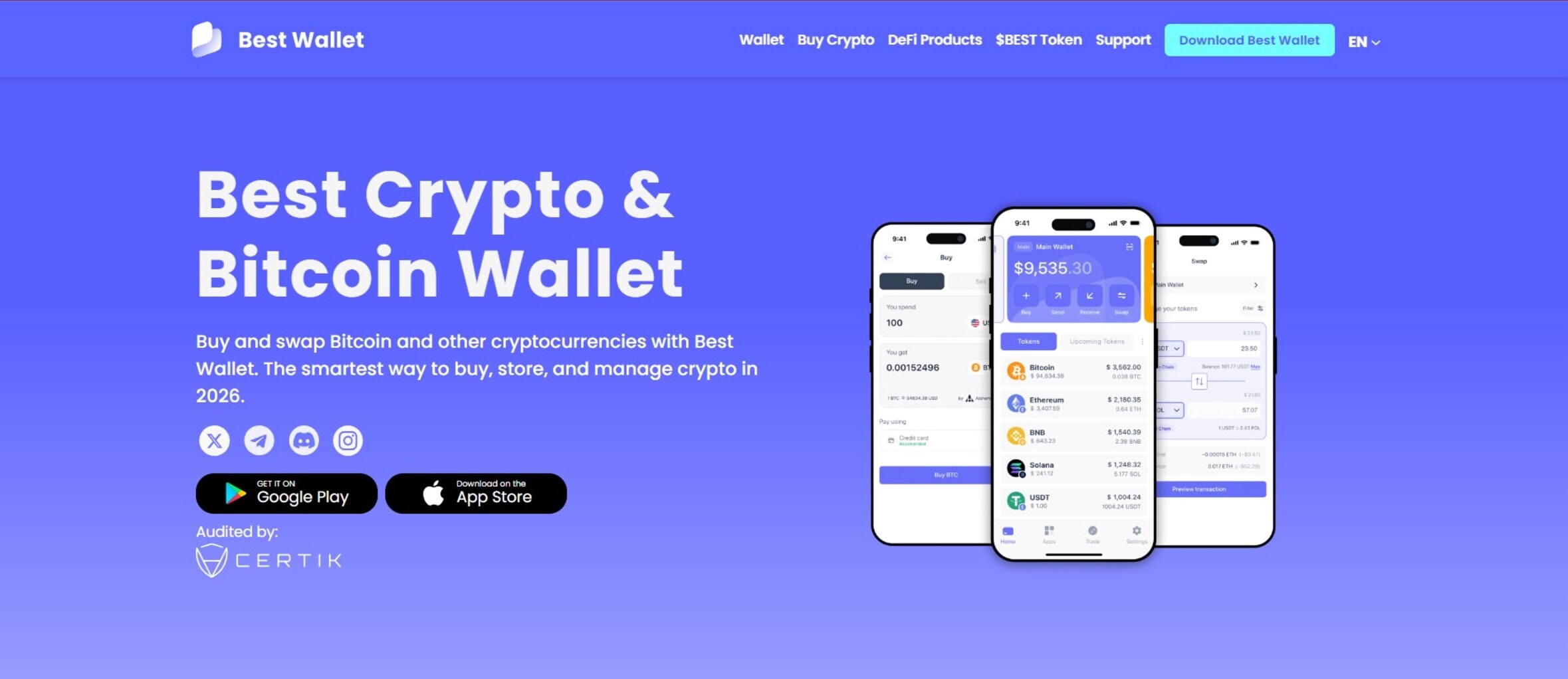
Best Wallet is a non-custodial mobile crypto wallet that balances simplicity with advanced features, including staking rewards and analytics. It supports multiple blockchains and includes a built-in dApp browser plus WalletConnect for easy interaction with decentralized applications.
The wallet uses MPC, biometrics, and 2FA for enhanced security while keeping private keys accessible on your mobile device. While convenient and feature-rich, it remains a hot wallet, so users should be aware of the risk of online attacks.
Price
- Best wallet is free and primarily designed as a mobile app available on iOS and Android.
Pros and Cons
| Pros | Cons |
| Easy to use on mobile devices | Mostly focused on mobile, with limited desktop interface |
| Strong security features for a hot wallet | Many features may overwhelm beginners |
| Supports multiple blockchains | |
| Built-in staking and analytics |
10. Zengo
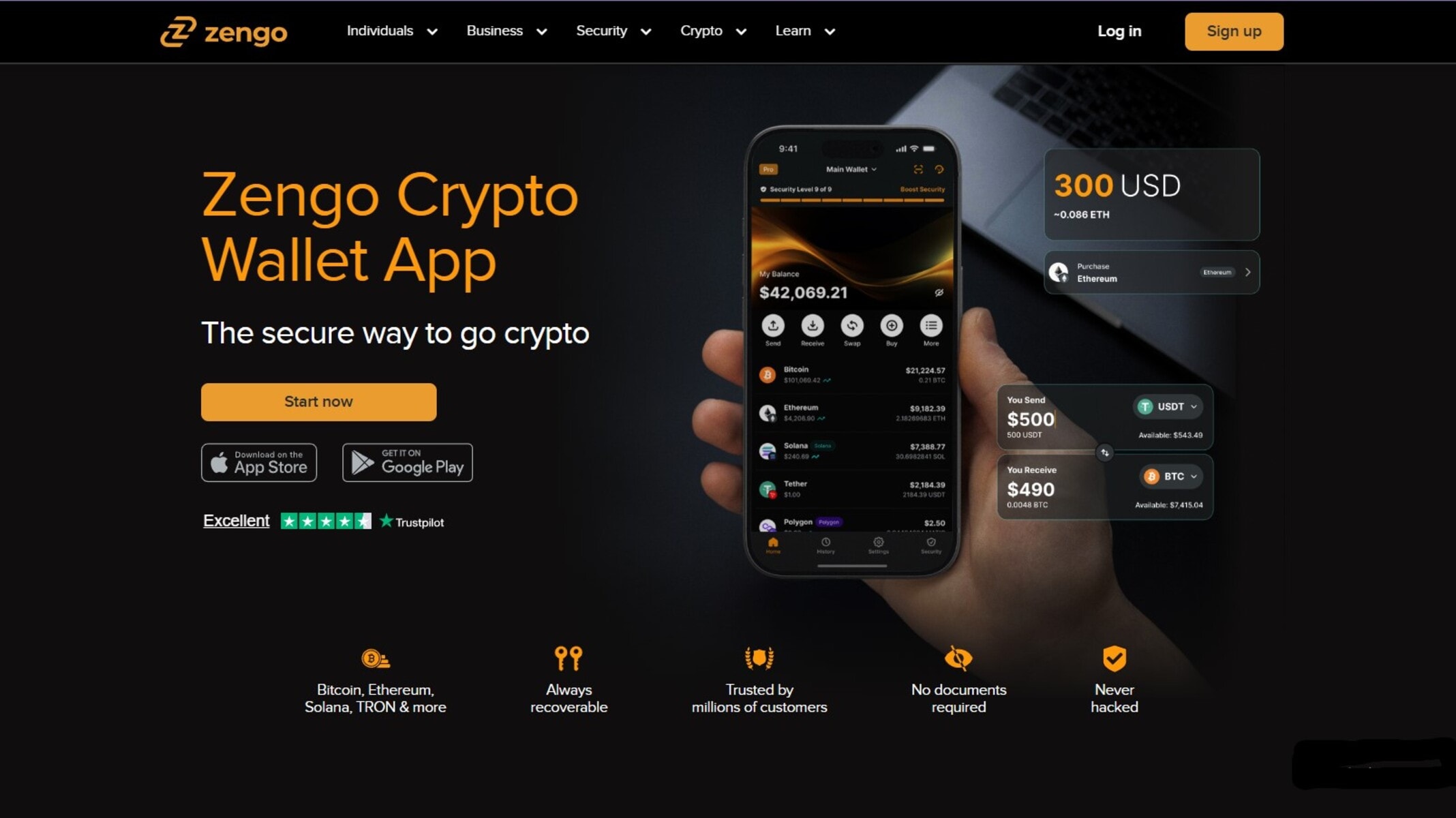
Zengo is a mobile crypto wallet that mitigates the risk of seed-phrase loss by using MPC cryptography instead of traditional private keys. This design significantly reduces losses caused by phishing, device theft, and backup exposure
It supports major blockchains and thousands of digital assets, making it suitable for buying, swapping, and managing crypto in one app. While it offers strong security and easy recovery, it is better suited for active use than long-term cold storage.
Price
- Zengo Pro subscription costs approximately $49.99 per year.
Pros and Cons
| Pros | Cons |
| Affordable price for a hardware wallet | No Bluetooth support |
| Keeps private keys crypto offline | Small screen |
| Secure element adds extra protection | Requires USB connection |
| Supports many coins and tokensNot | Ideal for frequent transactions |
Why Do I Need a Cold Storage Wallet?
If you’re holding significant crypto assets, relying on exchanges or hot wallets can leave your private keys exposed to online attacks. A cold storage wallet keeps your keys completely offline, giving you long-term security and peace of mind while letting you securely store coins and tokens.
By using a hardware wallet or cold storage wallet, you maintain full control over your money and reduce the risk of hacks, theft, or losing access if an exchange goes down. For anyone serious about long term storage of digital assets, a cold wallet is the safest way to protect, store, and recover your coins and tokens.
Cold Wallets vs. Hot Wallets: Which One Is Best for You?
| Features | Cold Wallet | Hot Wallet |
| Security | High. Keys offline, protected from online attacks | Lower. Keys connected to the internet, vulnerable to hacks |
| Convenience | Moderate | High |
| Best For | Long-term storage of significant crypto assets | Daily trading, dApp interaction, small holdings |
| Access | Slower | Instant via mobile or browser |
| Recovery | Seed phrase or recovery phrase only | Usually password and optional 2FA |
| Control | Full control of private keys and digital assets | Custody is often partially controlled by the wallet provider |
| Risk of Loss | Device lost/stolenx recoverable with seed phrase | Online hacks, phishing, malware |
Key Security Features of Cold Wallets
Below are the key features of cold wallets that help you securely store your crypto assets and maintain long-term security:
- Offline key storage: Keeps your private keys crypto offline, protecting against online attacks.
- Secure Element: A dedicated chip that isolates keys from your phone or computer for enhanced security.
- Recovery/Seed Phrase: Ensures you can recover your wallet and control your money if the device is lost or stolen.
- PIN and Passphrase Protection: Adds extra layers of security against unauthorized access.
- Air-Gapped Transaction Signing: Transactions are signed without connecting the device to the internet, reducing exposure.
- Tamper-Evident Hardware: Alerts users if the device has been physically compromised.
- Multi-Signature Support (optional): Requires multiple approvals to move funds, offering added security for high-value wallets.
How to Choose the Best Cold Wallet for Crypto
These are some factors to consider when choosing a reliable cold wallet to store your crypto.
1. Security Features
The most important factor in any cold wallet is its security features. Look for wallets with a secure element chip that isolates your private keys from the device, preventing malware or hackers from accessing them. Additional protections like PIN codes, passphrases, and air-gapped transaction signing ensure that even if the device is lost or stolen, your digital assets remain secure.
Some wallets also include tamper-evident hardware or multi-signature support, adding security for larger holdings. Prioritizing these features gives you peace of mind knowing your crypto is protected against online attacks. Check out this guide on how to secure your cryptocurrency, to learn more about the best practices for keeping digital assets safe.
2. Compatibility
Not all cold wallets support every coin, token, or blockchain network. Before buying, check that the wallet is compatible with the cryptocurrencies you hold. For instance, if you want to store more than one digital asset, you shouldn’t buy a Bitcoin-only wallet. Instead, you need a wallet that supports hundreds and thousands of cryptos, including the ones you want to store.
In addition, some wallets also integrate with popular wallet management apps or software wallets, making it easier to view balances, sign transactions, and manage your portfolio.
3. Functionality
Beyond security, consider what additional functionality you need. Features like multi-signature wallets, SLIP39 backups, or compatibility with staking platforms can add flexibility and long-term security. Some wallets allow air-gapped signing via QR codes or USB, while others offer Bluetooth connectivity for convenience. The key is to pick a wallet that not only protects your money but also fits the way you plan to use your crypto.
4. User Experience
A secure wallet is only effective if you can use it correctly. Look for an intuitive setup, clear recovery-phrase management, and easy transaction signing. Beginner-friendly interfaces help prevent mistakes that could result in lost funds, while still giving advanced users the tools they need. A wallet with a smooth user experience ensures you can control your money confidently and safely.
5. Cost
Cold wallets range from budget options to high-end premium models. While cheaper wallets can provide basic cold storage, investing in a more expensive device often means stronger security features, better build quality, and a more reliable user experience. When storing significant amounts of crypto assets, spending a little extra on a secure wallet is a worthwhile trade-off for long-term peace of mind.
How to Set Up and Use Your Cold Wallet Safely
- Unbox and Inspect the Device: Make sure the wallet is sealed and untampered. Tamper-evident hardware ensures your private keys haven’t been compromised.
- Install Official Software: Only download wallet software from the official website or app. This prevents malware from compromising your digital assets. If you want to connect to an existing wallet, explore our list of the best crypto wallets and choose one that is compatible with your cold wallet.
- Generate a Recovery/Seed Phrase: During setup, the wallet will generate a seed phrase. Write it down offline and store it in a safe place. This is your only way to recover your wallet if it’s lost or stolen.
- Set a Strong PIN and Passphrase: Protect your wallet with a unique PIN code and optional passphrase to prevent unauthorized access.
- Test Small Transactions First: Before moving large amounts of crypto, test a small transaction to confirm everything is working correctly.
- Keep the Device Offline When Not in Use: A key advantage of a cold wallet is that it keeps your private keys crypto offline, minimizing risk from online attacks.
- Regularly Back Up Your Recovery Phrase: Store backups securely in different safe places. Never store backups digitally or online.
Limitations and Disadvantages of Cold Wallets
While cold wallets provide strong security and long-term storage for crypto assets, they come with some limitations that every investor should know:
- Higher Cost: Hardware wallets can be more expensive than software or paper wallets, making them less accessible for small holdings.
- Slower Access: Because cold wallets are offline, transactions take longer to sign and send than in hot wallets connected to the internet.
- Risk of Losing Recovery Phrase: If you lose both the device and the seed phrase, you permanently lose access to your coins and tokens.
- Physical Damage or Theft: Devices can be lost, stolen, or damaged, so proper storage and careful handling are crucial.
- Learning Curve: Beginners may struggle with setup, key management, and air-gapped transactions, leading to mistakes.
Conclusion
Using a cold wallet is one of the most effective ways to protect, store, and control your crypto assets. By keeping your private keys crypto offline, cold wallets provide long-term security and peace of mind that hot wallets or exchanges cannot match.
While setup, costs, and occasional device management can be challenging, the added security, full control over your money, and protection against online attacks make cold storage the preferred choice for serious crypto investors.
FAQs
The best crypto wallet depends on your priorities. For long term security, hardware wallets like Ledger Nano X, Ledger Stax, and Trezor Safe 3 offer strong protection for private keys while keeping your crypto offline. For convenience with smaller holdings, some users combine hot wallets like MetaMask and Trust Wallet for trading and exploring the web3 ecosystem.
A well-maintained hardware wallet can last 5–10 years or more. Regular firmware updates and careful handling ensure your device continues to securely store crypto assets over time.
Wallets that are fully crypto offline, like Coldcard MK4 or Tangem, have strong security records. While no wallet is completely immune, keeping private keys offline significantly reduces the risk of online attacks.
The Trezor Safe 3 is ideal for beginners thanks to its intuitive interface, simple recovery-phrase setup, and support for multiple coins. Ledger Nano X is also beginner-friendly while offering mobile connectivity for convenient access.
